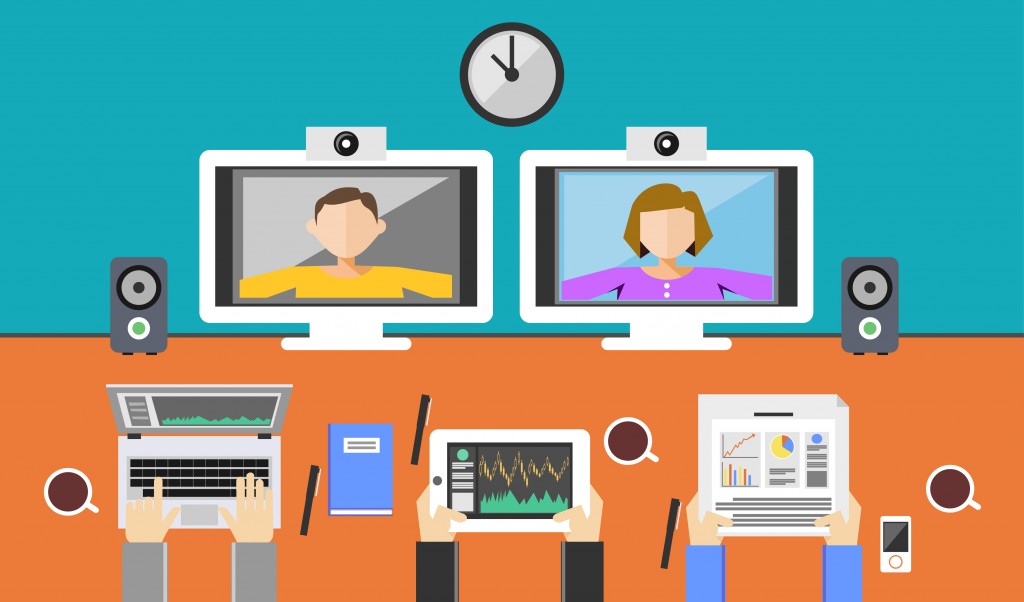
Distance learning is nothing new. The Open University have been doing distance learning since 1971, but the Internet, invented two years earlier, had nothing to do with it. The network of computers, which was then called the ARPANET was very much in it's infancy, and was not vast enough or accessible enough at that point to make an impact to the world of education. So distance learning had to rely on snail mail and it worked.
Things have moved on since then, thank goodness, and nearly 50 years on we now have technology that is faster, more efficient and more effective. However, how much of a viable alternative is it? What I'm talking about, isn't just youtube videos, Khan Academy or any of those other online courses with pre-recorded material such as Lynda.com and Udemy.com and the like. I'm talking about live, tutor lead instruction via video. This is, I believe, the most advanced alternative to face to face instruction that exists. With all the tools enabling us to do this at our disposal, I'd like to discuss two of them, the two I have had the most educational experience with, Google Hangouts, and Spires tutoring platform.
- Details

"Disrupt", the not so new, buzz word that all the tech journalists and bloggers have been using for the past few years. It's been bandied around the interwebs like cheap confetti to describe technologies and models that people think can upset the status quo and revolutionise the industries in which they belong. It's even been used in parodies of the technology industry, like in the Sitcom Silicon Valley. Whether the term is used accurately enough or not, when it comes to the education sector, and secondary (k12) education in particular, people need to be careful, otherwise, they can do more harm than good. I'll explain below exactly what I mean, and why the opposite may be what the education sector needs right now.
- Details
Read more: Why 'Disrupting' Is The last Thing Education Needs

It's been another long while since my last blog post. A few months, in fact, have gone past and a lot has happened which has managed to keep me from writing. The main change, however, has been the birth of my son, who happens to be about 6 months old now. I must say, having a child is a truly amazing experience and despite the sleepless nights, damaged ear drums (from the high pitched crying) and the huge hole in my wallet, I'm thoroughly enjoying it.
However, one important thought sprung to mind shortly before he was born, and has been a serious talking point for my wife and I ever since. As a tech geek and an advocate for technology use for learning, what does the research say about young children's use of technology and screen time? How will technology use affect my son's learning and future development?
From my basic research, I couldn't identify any definitive answers. However, a few running themes did occur.
1. No screens for children under 3
2. Restrictions for older children
3. It's not all bad
- Details
Read more: Young Children, Screens and Edtech: 3 Main Points

I got laughed at a few weeks ago by IT technicians. What was the cause of the redicule?
I asked for a CD...
- Details
Read more: Edtech from Above and Below - Exam Boards to Schools
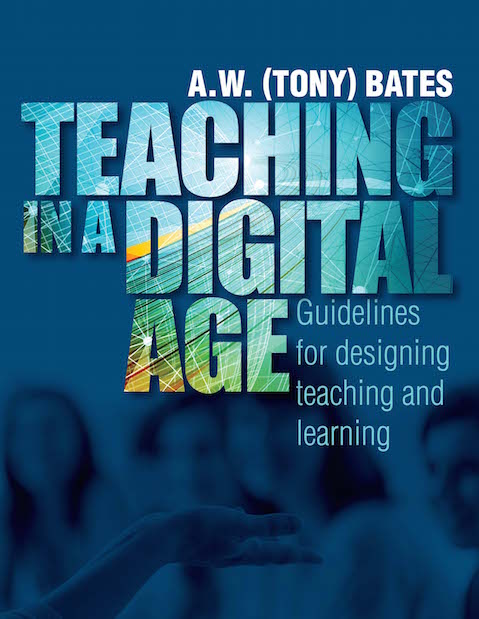
Let's say you're a teacher, and you want to know what all the fuss with education technology is all about. You don't just want to know what to use, but you want to know why you should use it, and what it can actually do for your students and for your teaching practice. You want to know the history, the theory, and some guidelines too. Where do you go for that sort of thing?
You go to Tony Bates' Teaching in a Digital Age - Guidelines for Design, Teaching and Learning! That's where you go. Personally, I'd call it the edtech bible! ...
- Details
Read more: Teaching in a Digital Age by Tony Bates - The Edtech Bible

Until fairly recently programming teachers were confined to software packages that had to be installed on every computer in their computer rooms. This meant that they were at the mercy of their network administrators for installation and management, as the teachers usually didn't have administrator privileges (if you did, then you are one of the lucky ones!).
There is now a wealth of coding tools online that can be used for teaching and learning, which totally eliminates this reliance on other people, such as IT technicians. It also allows the students to freely and easily access the same classroom materials outside of the class and allows a larger range of hardware to be used, like Chromebooks and tablets. This is a huge benefit, which is rarely replicated with software that needs to be installed. Many of them are good and some are fantastic. But how many of them can actually be used in the classroom in a way that will not have you clicking a million times to try and mark your students work? How many are practical in a classroom setting?
Well, I'm going to review 5 good ones here and will discuss how I have found using them in a classroom setting, managing student work and monitoring student progress with them. The 5 are Turtle Academy, Repl.it, Code Academy, Code.org, and Scratch. I will be looking at 5 criteria for each, which will be logging in, work deployment, marking and feedback, special teacher functions, and classroom usability. So onto the first...
- Details
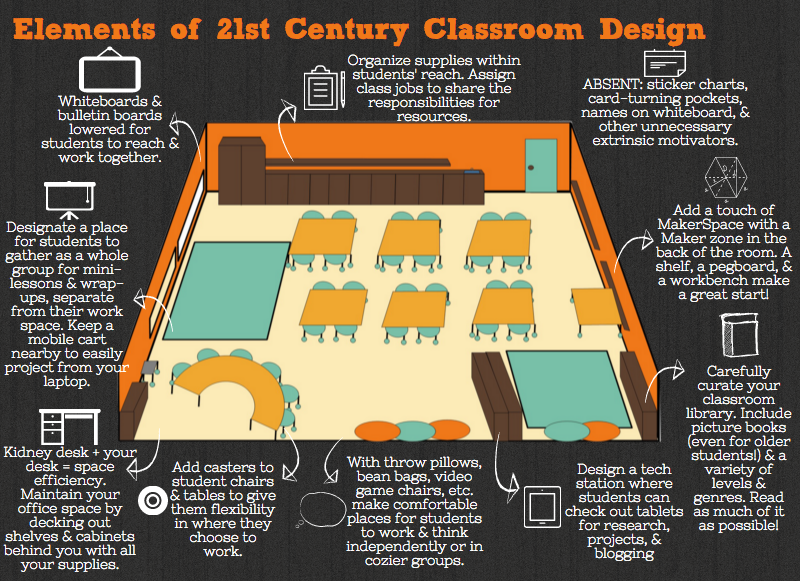
Classroom design is one of the most important things in teaching. Unfortunately, many educators don't really consider it enough. The most many schools concentrate on is wall displays and maybe table layout. However, there is so much more that can be considered when designing a learning environment. Lighting, space and colours are just a few things that can have a huge impact, but what else is there and how much of an impact can it make?
- Details